
For iOS, Android, Android TV, macOS, Windows, Ubuntu and Apple TV
Your connection.
In your control.
4VPN is a free VPN client. The app manages your connection to your provider’s service.
Android
Android 9+
iOS
App StoreChange your store region to United States to download the app.
Open step-by-step guide (Russian)Windows
Download for WindowsWindows 10 22H2+ / Windows 11 · x64 · EXE
Installer without a digital signature.
 Ubuntu
 Apple TV
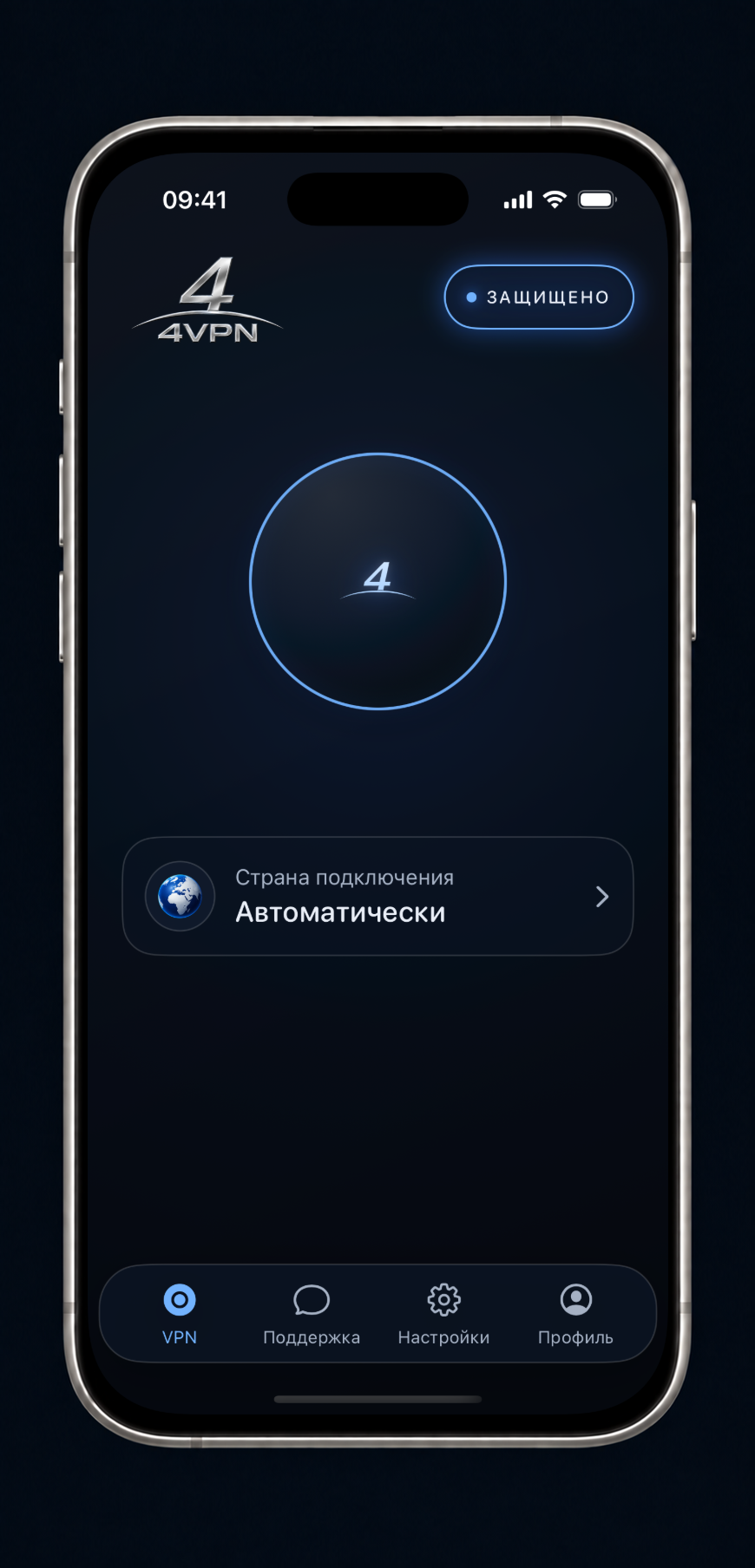
From activation to connection
The app, the service website and Telegram use one account. On your phone, tablet or computer, open Profile. Create an account with your email or sign in with the same email and password.
Pair your device
Follow the steps in Profile. You can also scan the QR code on the device you are adding or enter its short code in your account. Both codes work in older versions too. On Android TV, find and install 4VPN in Google Play on the TV itself. Confirm the code from the TV screen on your phone.
Choose your connection
Use Auto or select an available country in the app.
Control the connection
Connect and disconnect the VPN. The current connection state is visible on the main screen.
Access from a compatible service provider is required. The app does not offer purchases or access renewals. Arbitrary VPN configurations are not supported.
Documents for your version
The publisher depends on your platform. Choose your platform to open the relevant document.